Description
Features
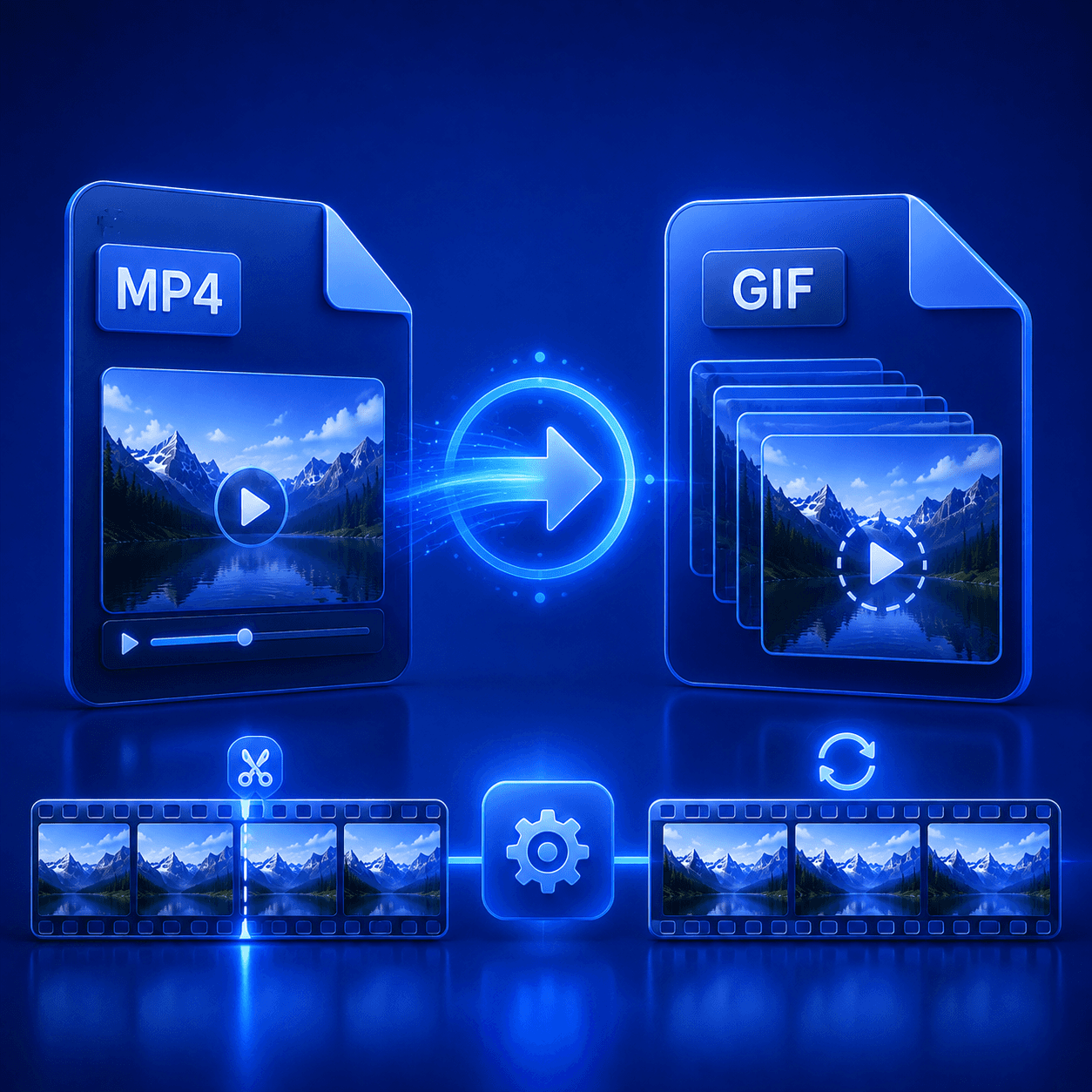
- Create GIFs from MP4 Videos
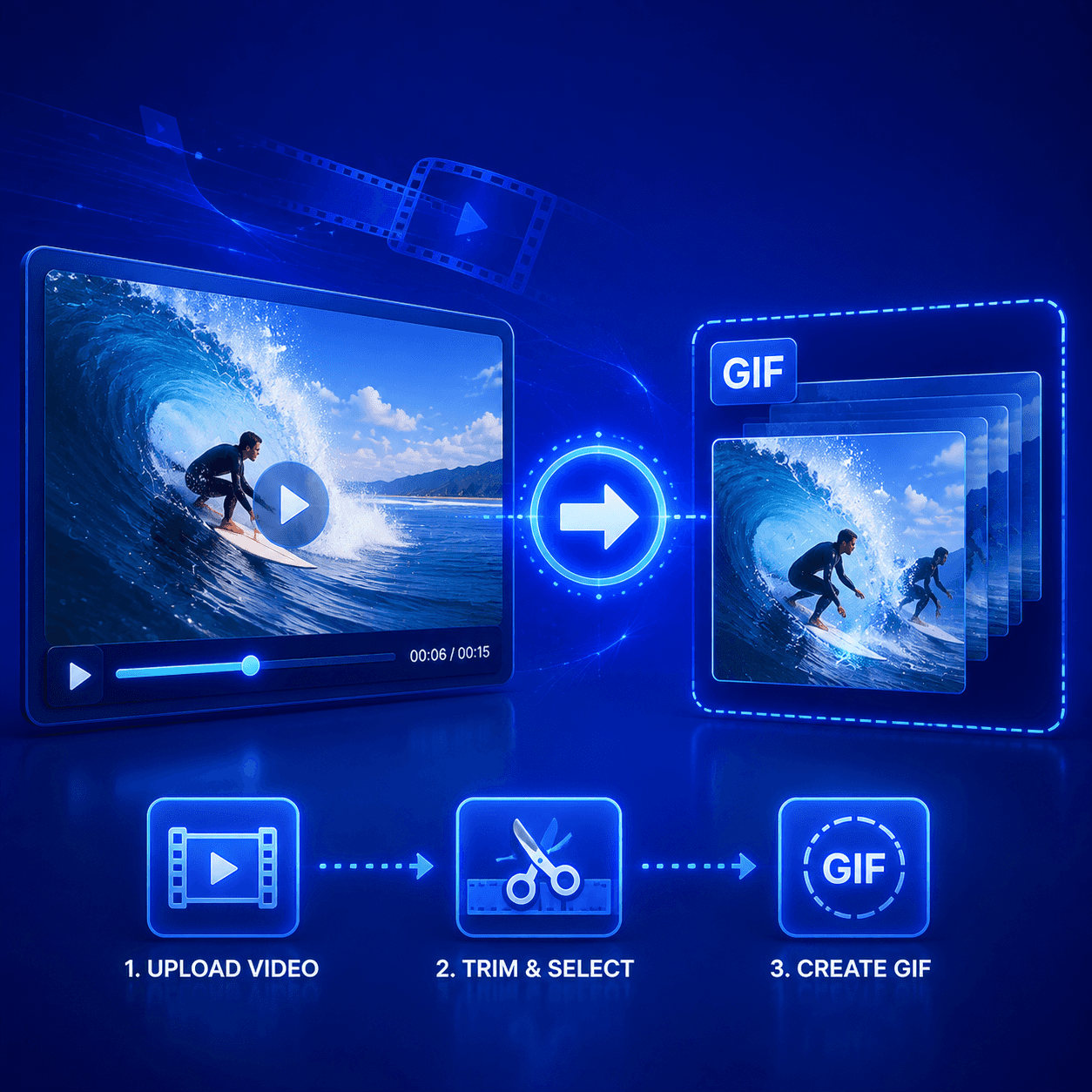
Turn MP4 video clips into animated GIFs in a few simple steps. Create shareable animations for social media, websites, messages, presentations, and tutorials.
-
Choose the Exact Video Segment
Set custom start and end times to convert only the section you need. Remove unnecessary footage and keep the most important or entertaining moment.
-
Adjust GIF Dimensions
Resize the GIF by changing its width, height, or aspect ratio. Create an animation that fits your website, social media post, message, or other intended use.
-
Control Frame Rate
Adjust the frame rate to balance animation smoothness and file size. Use a higher frame rate for fluid movement or a lower setting for a smaller GIF.
-
Optimize GIF File Size
Reduce the size of your animated GIF for faster loading and easier sharing. Adjust the resolution, duration, frame rate, and quality to meet your requirements.
-
Preview Before Downloading
Review the selected video segment and GIF settings before processing the final file. Make adjustments until the animation looks exactly the way you want.
-
Fast Online Conversion
Convert MP4 videos to GIF directly in your browser without installing additional software. Upload your video, customize the settings, and create your GIF online.
-
Works on Any Device
Create GIFs on Windows, macOS, Linux, Android, iPhone, or iPad. The converter works with modern browsers, allowing you to process videos from almost anywhere.
Reviews
There are no reviews yet.